Strange 'Nightly' App Notifications on Mac
An app named “Nightly” that I didn’t recognize asked for notification permissions. Here’s how to track down the app in case it happens to you.
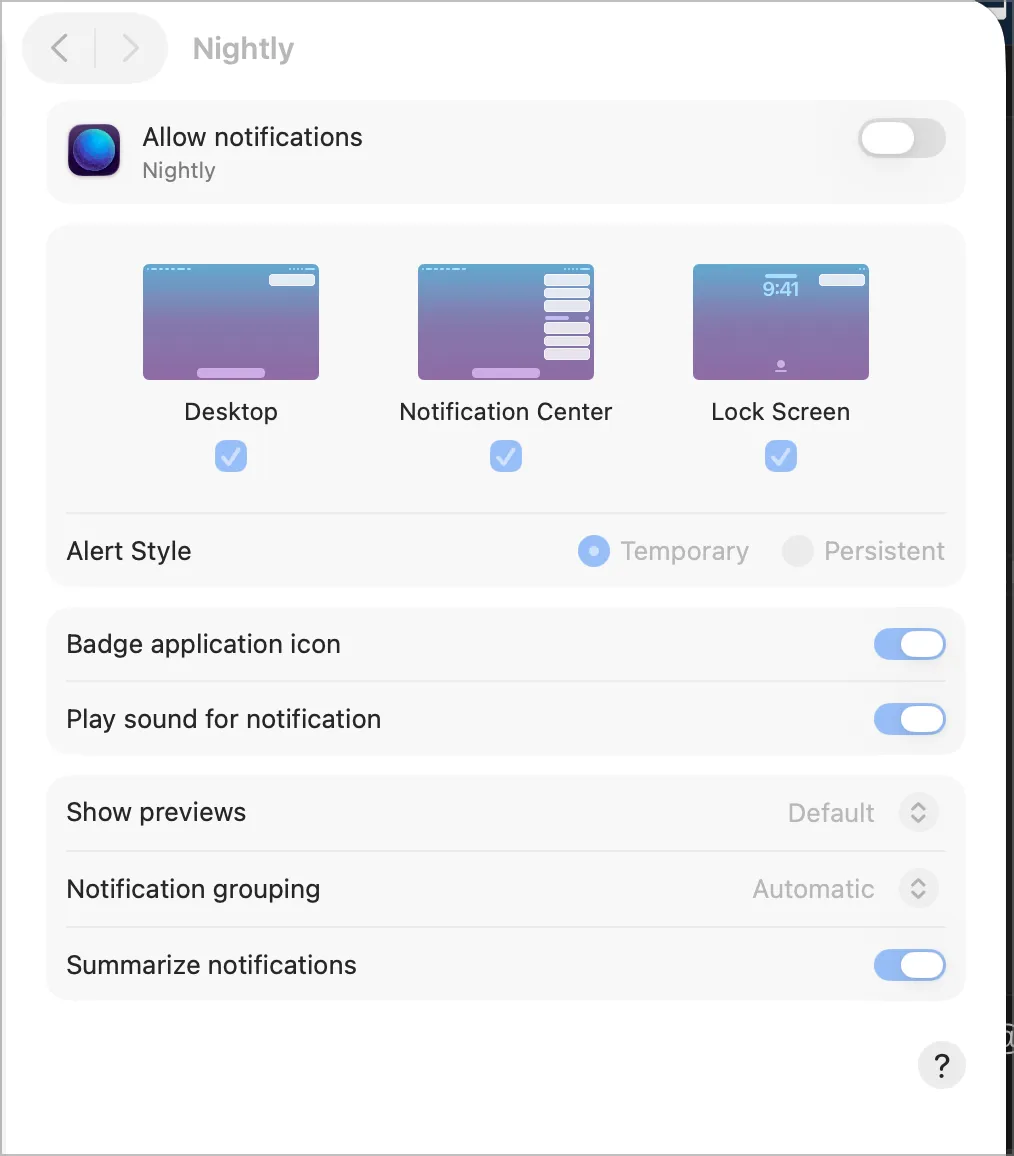
It’s an unbranded installation of Firefox Nightly that was installed via Playwright so it doesn’t appear in /Applications/ or ~/Applications/ like normal apps.
To find it, open a terminal and type this command:
ls ~/Library/Caches/ms-playwright/firefox-*/firefox/It should print out Nightly.app, which is an unbranded version of Firefox Nightly probably used by Playwright for web scraping and testing.
You can see a picture of the Nightly logo here. It’s a sphere with triangles for the surface.
The Fix
You can safely ignore or deny the notification request. You only need to grant it permissions if your specific scraping script or testing suite requires it to trigger system alerts.